
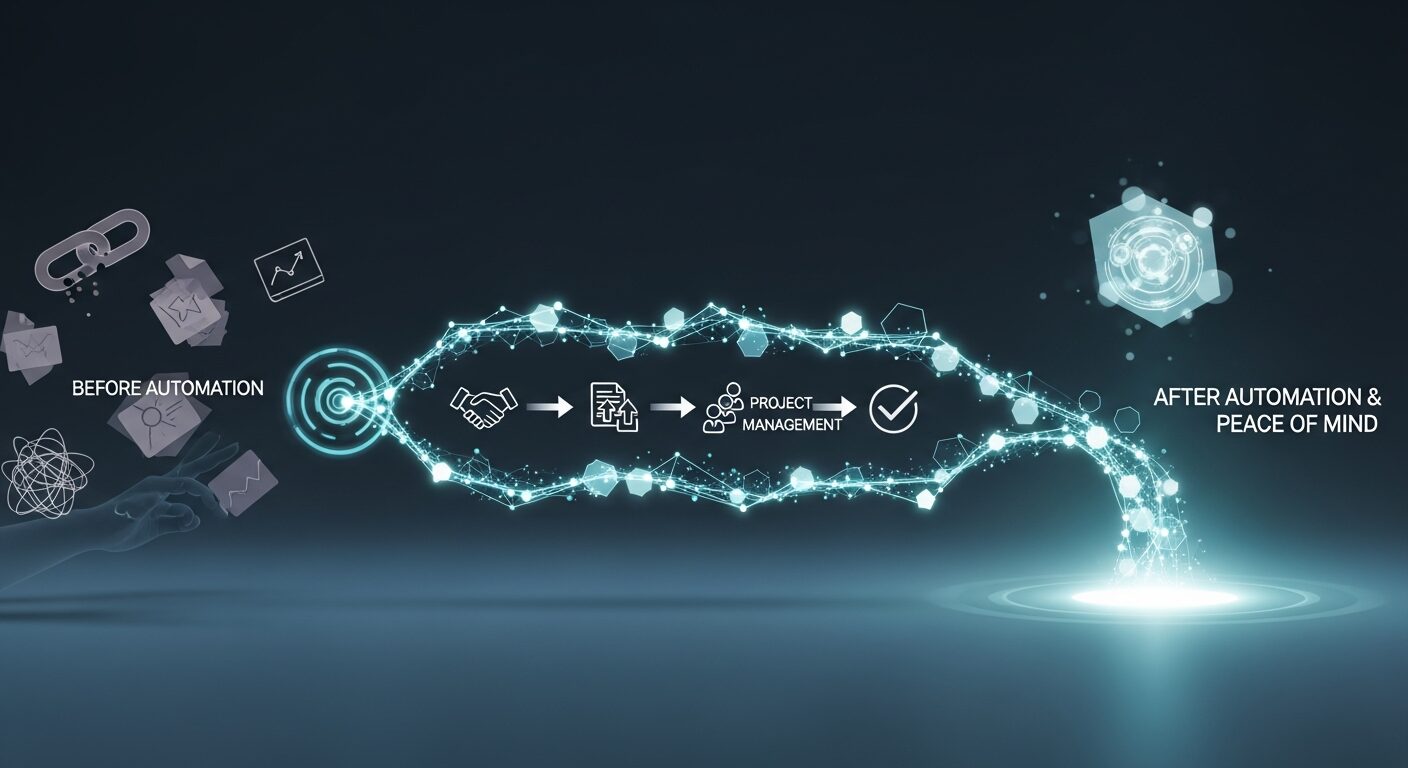
Welcoming a new client should be an exciting milestone, not a source of internal chaos. For many small businesses, the joy of a new client quickly turns into a scramble of manual tasks: updating spreadsheets, sending internal emails, assigning responsibilities, and chasing down information. These repetitive, often fragmented internal processes can lead to dropped balls, wasted time, and a less-than-stellar first impression for your new client. Imagine, instead, a seamless, almost invisible transition where every internal task related to client onboarding flows automatically, ensuring nothing is missed and everyone on your team is on the same page from day one. This guide will walk you through how to automate client onboarding tasks without needing to write a single line of code, transforming your internal operations into a well-oiled machine.
Why Automate Internal Client Onboarding Tasks?
Automating the internal tasks associated with client onboarding isn’t just about saving time; it’s about fundamentally improving how your business operates and how your clients perceive you.
Boost Efficiency and Save Time
Manual tasks are time-consuming. From data entry into multiple systems to setting up project folders and sending initial team notifications, these minutes add up. Automation eliminates this busywork, freeing up your team to focus on strategic, client-facing activities that truly drive your business forward. Think of the hours saved when a new client’s project space is created, and initial tasks are assigned automatically, rather than requiring several manual steps.
Reduce Errors and Enhance Accuracy
Human error is inevitable. A forgotten email, a misplaced file, or incorrect data entry can derail a smooth onboarding experience. Automated workflows follow predefined rules, ensuring consistency and accuracy across every client handoff. This not only prevents frustrating mistakes but also builds trust within your team and with your clients.
Improve Client Experience and Retention
A smooth internal handoff directly impacts the client’s perception of your professionalism. When your team is organized, responsive, and well-informed, it reflects positively on your business. Clients appreciate efficiency and clear communication, which are direct results of well-automated internal processes. A flawless start often leads to higher client satisfaction and retention.
Scale Your Business with Confidence
As your business grows, so does your client base. Without automation, each new client adds a proportionate amount of manual work, quickly leading to bottlenecks and burnout. Automating client onboarding tasks allows you to scale efficiently, handling more clients without significantly increasing your operational overhead or compromising service quality.
Enhance Team Collaboration and Accountability
Automation can streamline communication between departments (e.g., sales to operations, operations to finance). When a new client is onboarded, automated notifications can alert relevant team members, assign specific tasks, and provide all necessary context. This clarity reduces miscommunication and ensures everyone understands their role and responsibilities in the onboarding process, fostering better collaboration.
Identifying Key Internal Onboarding Tasks for Automation
Before you can automate, you need to understand what needs automating. The goal is to pinpoint repetitive, rule-based tasks that currently consume valuable time and are prone to manual error.
Client Data Entry and CRM Updates
When a new client signs on, their information often needs to be entered into various systems: your CRM, project management tool, accounting software, and internal directories. Automating this can involve a “master” data entry point that populates information across integrated platforms.
Internal Communications and Notifications
Think about the chain of communication that happens internally after a new client signs. This might include:
- Notifying the project manager about a new project.
- Alerting the finance department for invoicing.
- Informing the marketing team for welcome emails (if applicable).
- Triggering an internal “kick-off” meeting schedule.
These notifications can be automated based on triggers like a new client status in your CRM or the signing of a contract.
Resource Allocation and Project Setup
Setting up a new client project often involves creating new folders, granting access to shared drives, assigning team members, and defining initial project parameters within your project management system. Automation can create these structures and assign initial roles based on client type or service package.
Task Assignment and Tracking
Once a project is set up, specific tasks need to be assigned to various team members. This could include initial strategy meetings, document requests, account setup, and more. Automated workflows can assign these tasks directly to the responsible individuals with due dates, ensuring accountability and consistent progress tracking. For broader client communication, remember that automating progress tracking can also keep clients engaged throughout their onboarding journey.
Document Management and Sharing
Client onboarding often involves a flurry of documents, both internal and external. This includes contracts, proposals, scope of work documents, and internal process checklists. Automating document generation, storage, and sharing ensures that all relevant parties have access to the correct versions, reducing friction and potential delays. If you’re looking for more specific guidance on this, check out our guide on No-Code Magic: Automate Document Collection for Painless Client Onboarding.
Reporting and Analytics
For many businesses, keeping track of new client onboarding progress and team workload is crucial. Automation can help generate simple reports on the status of onboarding tasks, identify bottlenecks, and provide insights into team performance without manual data compilation.
Step-by-Step Guide: How to Automate Client Onboarding Tasks (No-Code Approach)
Implementing automation might sound complex, but with no-code tools, it’s more accessible than ever for small business owners.
Step 1: Map Out Your Current Onboarding Process
Before you change anything, you need to fully understand your existing process.
- Document every single step: From the moment a lead becomes a client to when they are fully integrated and ready for service delivery.
- Identify who is responsible for each step: Who does what, and when?
- Note all tools and systems used: CRM, email, project management, spreadsheets, etc.
- Pinpoint pain points and bottlenecks: Where do delays occur? Where do errors often happen? What tasks feel like busywork?
You can do this with a simple flowchart, a bulleted list, or even just sticky notes on a whiteboard. The goal is to gain clarity.
Step 2: Identify Automation Opportunities
With your process mapped, look for tasks that fit these criteria:
- Repetitive: Tasks you do the same way every time for every client.
- Rule-based: Tasks that can be triggered by a specific event (e.g., “when a contract is signed,” “when a payment is received”).
- Data transfer: Moving information from one system to another.
- Notifications: Alerting team members about status changes.
For example, “email project manager about new client” is a clear automation opportunity. “Have a creative brainstorm for client’s marketing strategy” is not, as it requires human creativity and nuanced interaction.
Step 3: Choose the Right No-Code Tool
This is where the magic happens. You’ll need a tool that can act as your central hub for managing projects and automating workflows. For non-tech-savvy small business owners, ease of use, robust features, and excellent support are paramount. Look for tools that offer:
- Task and project management: To organize your client projects.
- Customizable templates: To standardize your onboarding process.
- Built-in automation: To set up rules without coding.
- Integration capabilities: To connect with other tools you use (e.g., email, CRM).
Later in this guide, we’ll dive into our top recommendation for a powerful, yet user-friendly, solution.
Step 4: Design Your Automated Workflows
Once you’ve chosen your tool, it’s time to build. This usually involves defining:
- Triggers: What event starts the automation? (e.g., “New client added to CRM,” “Task ‘Contract Signed’ marked complete”).
- Actions: What should happen automatically in response to the trigger? (e.g., “Create new project folder,” “Assign tasks to specific team members,” “Send internal notification,” “Update client status”).
- Conditions: Are there any specific criteria for the automation to run? (e.g., “If client type is ‘Enterprise’,” “If service package is ‘Premium’”).
Start with simple automations and gradually build more complex ones as you become comfortable.
Step 5: Test and Refine
Never launch an automation without testing it thoroughly.
- Run test scenarios: Create a dummy client or project and walk through the entire automated workflow.
- Check every step: Does the right person get notified? Are tasks assigned correctly? Is data transferred accurately?
- Gather feedback: Ask your team members who are impacted by the automation for their input.
- Iterate: It’s rare to get it perfect on the first try. Be prepared to tweak and improve your workflows based on testing and feedback.
ClickUp – Our Top Recommendation
When it comes to comprehensive project management and workflow automation for small businesses, ClickUp stands out as an incredibly powerful yet remarkably accessible no-code tool. It’s designed to be an all-in-one workspace, meaning you can manage tasks, projects, documents, communication, and even set up robust automations all in one place. This drastically simplifies the onboarding process by centralizing internal operations.
ClickUp offers a vast array of features that make automating client onboarding tasks straightforward, even for those without technical expertise. Here’s why it’s our top recommendation:
- Flexible Task and Project Management: ClickUp allows you to organize your client onboarding in various ways – Lists, Boards, Calendars, Gantt charts, and more. You can create a dedicated Space for client onboarding, with separate Folders for each client and Lists for different stages (e.g., “Pending Setup,” “Active Onboarding,” “Handed Off”).
- Customizable Templates: One of ClickUp’s biggest strengths for onboarding is its template functionality. You can create a master “New Client Onboarding” template that includes all the necessary tasks, subtasks, checklists, assignees, and due dates. When a new client signs on, you simply duplicate this template, and all your pre-defined internal tasks are instantly generated.
- Robust Automation Engine: This is where ClickUp truly shines for smooth handoffs. Its built-in automation allows you to define triggers and actions without any coding. For instance, you can set rules like:
- Trigger: “When a new task is created in the ‘New Client’ list,” Action: “Assign task to [specific team member].”
- Trigger: “When a task status changes to ‘Client Ready’,” Action: “Move task to ‘Active Projects’ List and notify [Project Manager].”
- Trigger: “When a Custom Field ‘Client Type’ is set to ‘Premium’,” Action: “Add Subtasks: ‘Schedule Premium Welcome Call,’ ‘Prepare Custom Onboarding Kit’.”
- Trigger: “When a new client is added,” Action: “Create a new document for their onboarding checklist.”
- Custom Fields: Tailor your client profiles and tasks with custom fields to store specific client information, project requirements, service tiers, and more. These fields can then be used as conditions in your automation rules.
- Document Management: ClickUp’s “Docs” feature allows you to create and store all client-related documents directly within their project space. This means welcome guides, internal process documents, and meeting notes are always accessible to the relevant team members.
- Communication & Collaboration: With comments, mentions, and chat features integrated directly into tasks, your team can communicate effectively about client onboarding progress, ensuring everyone is on the same page.
- Reporting & Dashboards: Track the progress of all your client onboardings at a glance. Identify bottlenecks, monitor team workload, and ensure deadlines are met with customizable dashboards and reports.
By leveraging ClickUp, small businesses can create a highly efficient, automated system for managing all their internal client onboarding tasks, turning potential chaos into a streamlined, professional experience.
Real-World Automation Examples with ClickUp
Let’s look at how you might set up specific automations within ClickUp to streamline your internal client onboarding tasks:
1. Automating New Client Project Creation
- Scenario: A sales lead becomes a new client.
- ClickUp Automation:
- Trigger: When a status changes to “Client Won” in your “Sales Pipeline” List.
- Action 1: Create a new Folder (or List) named “Client Name – Onboarding” from your “New Client Onboarding Template.” This template already contains all your standard internal onboarding tasks, subtasks, and checklists.
- Action 2: Automatically assign key initial tasks (e.g., “Internal Kick-off Meeting,” “Client Account Setup,” “Welcome Email Draft”) to the relevant team members (e.g., Project Manager, Operations Team).
- Action 3: Set due dates for these initial tasks based on the client start date.
2. Automating Internal Team Notifications
- Scenario: The onboarding process has reached a key milestone, and other departments need to be informed or take action.
- ClickUp Automation:
- Trigger: When the status of a task “Onboarding Complete” changes to “Closed.”
- Action 1: Send an email notification to the “Finance Team” (or a specific email address) informing them that onboarding is complete and to initiate billing. (Remember, you can also Automate Invoicing & Payment Reminders for Client Onboarding (No Code) as a separate process!).
- Action 2: Create a new task in the “Marketing Department” Space: “Send Post-Onboarding Check-in Email.”
3. Automating Document Sharing and Access
- Scenario: A specific document is created or updated, and relevant team members need access.
- ClickUp Automation:
- Trigger: When a new “Doc” is created in the “Client Name – Onboarding” Folder with the tag “Internal Process Guide.”
- Action: Add all members of the “Operations Team” as viewers to the new Doc.
These are just a few examples; the possibilities with ClickUp’s automation features are extensive, allowing you to tailor workflows precisely to your business needs.
Tips for Successful Automation Implementation
Embarking on your automation journey can be transformative, but a thoughtful approach yields the best results.
Start Small
Don’t try to automate everything at once. Begin with one or two of your most painful, repetitive internal tasks. Master those automations, understand the process, and then gradually expand. This iterative approach reduces overwhelm and allows for easier troubleshooting.
Train Your Team
Automation is a tool, but your team needs to know how to use it effectively. Provide clear instructions, conduct training sessions, and be available to answer questions. Emphasize how automation benefits them by reducing busywork and allowing them to focus on more meaningful tasks. Buy-in from your team is crucial for success.
Regularly Review and Optimize
Your business evolves, and so should your automations. Periodically review your automated workflows to ensure they are still efficient, relevant, and aligned with your current processes. Look for opportunities to refine existing automations or create new ones as your business needs change. Feedback from your team can be invaluable here.
Conclusion
Seamless client onboarding is the cornerstone of lasting client relationships and a thriving small business. By taking the time to automate client onboarding tasks internally, you’re not just saving time and reducing errors; you’re building a more professional, efficient, and scalable operation. Smooth handoffs ensure that every new client feels valued and that your team can deliver exceptional service from day one, every time.
Embrace the power of no-code automation to transform your internal workflows. Tools like ClickUp offer an accessible yet incredibly robust platform to centralize your work, streamline communication, and automate the repetitive tasks that often slow businesses down. Stop letting manual processes hold you back and start building a foundation for scalable growth and unparalleled client satisfaction.
Ready to transform your client onboarding from chaotic to flawless? Explore the possibilities with ClickUp today and see how effortlessly you can automate your internal tasks for a truly seamless client experience. Click here to get started with ClickUp!